
Can’t Edit Or Update A ChatGPT Site?

If a ChatGPT Site still works publicly but cannot be edited or updated, protect the working version and check ownership, workspace access and source availability.
If a ChatGPT Site is still publicly accessible but you can no longer reopen, edit or update it reliably, protect the working public Site before trying to rebuild it. This is usually an editing-access, ownership, workspace, source-retrieval or platform-state problem, not automatically a publishing or custom-domain problem. First establish whether the public URL still works, whether the intended account can locate the Site, and whether the failure happens before editing, while saving, or only when publishing an update.
Those states need separating. A Site can work for visitors while the owner cannot reach the editor. Someone can open the editor but be unable to save. An editor can save a version but lack the ability to publish it. None of those symptoms proves the generated code is faulty, and repeatedly changing unrelated content can make a controlled recovery harder.
Keep the known-working public Site safe
When visitors can still use the published Site, treat that version as evidence worth preserving. Record the public URL, the visible version, the account that originally created the Site, the workspace involved and the exact editing action that now fails. Do not delete a working Site or recreate it from memory simply because the editor is unavailable.
Recreation can lose configuration, access settings, domain connections, history or changes that are not visible in a copied page. It can also replace a contained edit-access problem with a wider publishing and routing problem. The safer first step is to identify what remains available and what has actually become inaccessible.
Cannot edit, cannot save and cannot publish are different failures
Cannot edit means the Site is missing from the expected account, cannot be opened in the editor, or the editing controls are unavailable. Cannot save means the editing workflow opens but changes cannot be retained as a version. Can save but cannot publish means the editor is functioning, while the release or sharing control is the failing layer. A public Site with failed source or editor access is different again: visitors can reach the deployed result, but the creator cannot safely continue work on its current project.
Describe the exact boundary before making a change. If editing works but publication does not, use a publishing-focused diagnosis. If the standard Site URL works but a custom domain does not, investigate the domain separately. Mixing these pathways together produces vague fixes and makes useful account or access evidence easy to miss.
Check the account, workspace and ownership context
ChatGPT Sites access can depend on the signed-in account, the workspace selected, active membership, role permissions and sharing configuration. A public Site does not grant editing rights to everyone who can view it. The Site owner can give an eligible active member of the same workspace editor access, while some controls remain owner-only.
Check that the person attempting the edit is using the same account and workspace expected to hold the Site. Confirm whether the Site appears in the Sites list, in a shared area or in the chat where it was created. If another person owns the Site, establish whether they can still access it and whether the current user has Can edit rather than viewer access. Do not treat a missing edit control as evidence that the public Site has failed.
Account and workspace changes can alter the available controls
An account switch, changed workspace membership, altered role or removed sharing permission can change what a person can see or edit without changing the public Site at all. Product availability and co-editing controls can also vary by plan, workspace configuration and rollout state. Capture the account and workspace context before assuming that a browser, prompt or page component is responsible.
Where an organisation manages Sites permissions, the workspace owner or administrator may need to confirm that Sites and editing access are enabled for the relevant role. This is an access check, not a reason to expose credentials, move the Site into an unrelated account or copy private project material into a new conversation.
Source retrieval and project access need careful handling
Some current public reports describe failures retrieving an existing Site’s source or project material, including repository-transfer errors after successful authentication. That evidence does not mean every editing problem is caused by Git, nor does it establish a universal fault inside ChatGPT Sites. It does show why a working public Site should not be overwritten with an older local copy or recreated blindly when the current source cannot be retrieved safely.
Record the exact error, time, account context and whether the failure is reproducible through the supported editing route. If source or project retrieval appears to fail while owner access is otherwise confirmed, the failure may be project-specific or platform-side. Preserve the current public result and use the documented support or account route rather than repeatedly attempting unsafe replacement.
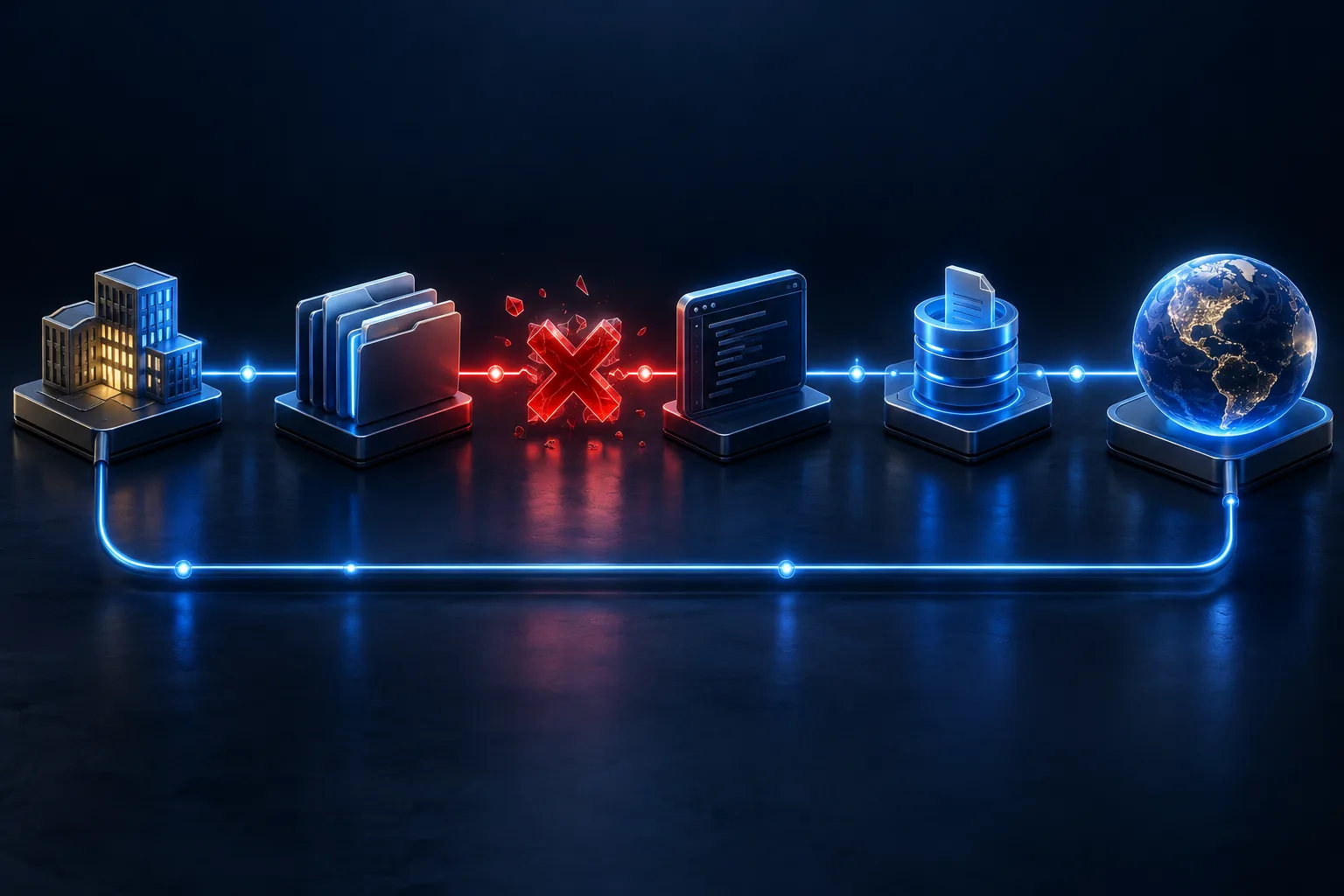
Changing generated code may be irrelevant
Generated HTML, CSS or JavaScript can cause faults in a Site after it is published, but it is not the first layer to change when the editor cannot find, open or save the project. Editing a separate local copy cannot restore owner access, workspace membership or a failed source retrieval process. Broad code prompts can also create a divergent version that is harder to compare with the public Site.
Keep technical repair separate from access recovery. Once the editable source is available and the correct project is confirmed, the website itself can be assessed on its own evidence. Until then, preserve the known-working live result and avoid claiming a code repair will solve an account or platform boundary.
What not to do blindly
Do not delete the existing Site, remove collaborators, transfer ownership without agreement, recreate the Site under another account, or publish an unverified older copy just to regain control. Do not repeatedly retry a failing source export or project retrieval without recording the outcome. Repetition can obscure whether the failure is stable, account-specific or changing over time.
Avoid treating a viewer invitation as edit access. External viewers are not automatically workspace editors, and a public URL does not provide control of the Site. Establish the required ownership and workspace state before asking anyone to make a material change.
Practical edit-access checklist
- Confirm that the public Site URL still shows the intended working version.
- Record the account, workspace, Site owner and user attempting the edit.
- Check whether the Site appears in the creator’s chat, Sites list or shared area.
- Identify whether the problem is opening the editor, saving, publishing or source retrieval.
- Confirm that the user has active workspace membership and the intended edit permission.
- Capture the exact error and time without sharing secrets or private project data.
- Preserve the current public version and any known working local material.
- Check whether the failure is limited to one Site or affects the wider account/workspace.
When to stop retrying and escalate
Stop repeated edits and retrieval attempts when the same access failure persists, the owner cannot be identified, a workspace permission appears to be missing, or a working public Site could be put at risk. A platform-side retrieval or account-state issue may need the Site owner, workspace administrator or OpenAI support route. The goal is to protect the current Site while establishing which party has the authority and evidence to act.
A proper paid ChatGPT Sites diagnosis can distinguish a project-specific problem from an account, workspace, ownership or platform fault and can identify whether a safe local repair is possible once source access is restored. It should not promise recovery where the platform holds the missing access or project state. Repair or implementation comes after the failure boundary and safe next step are clear.