
How to Take a Lovable App from Prototype to Production
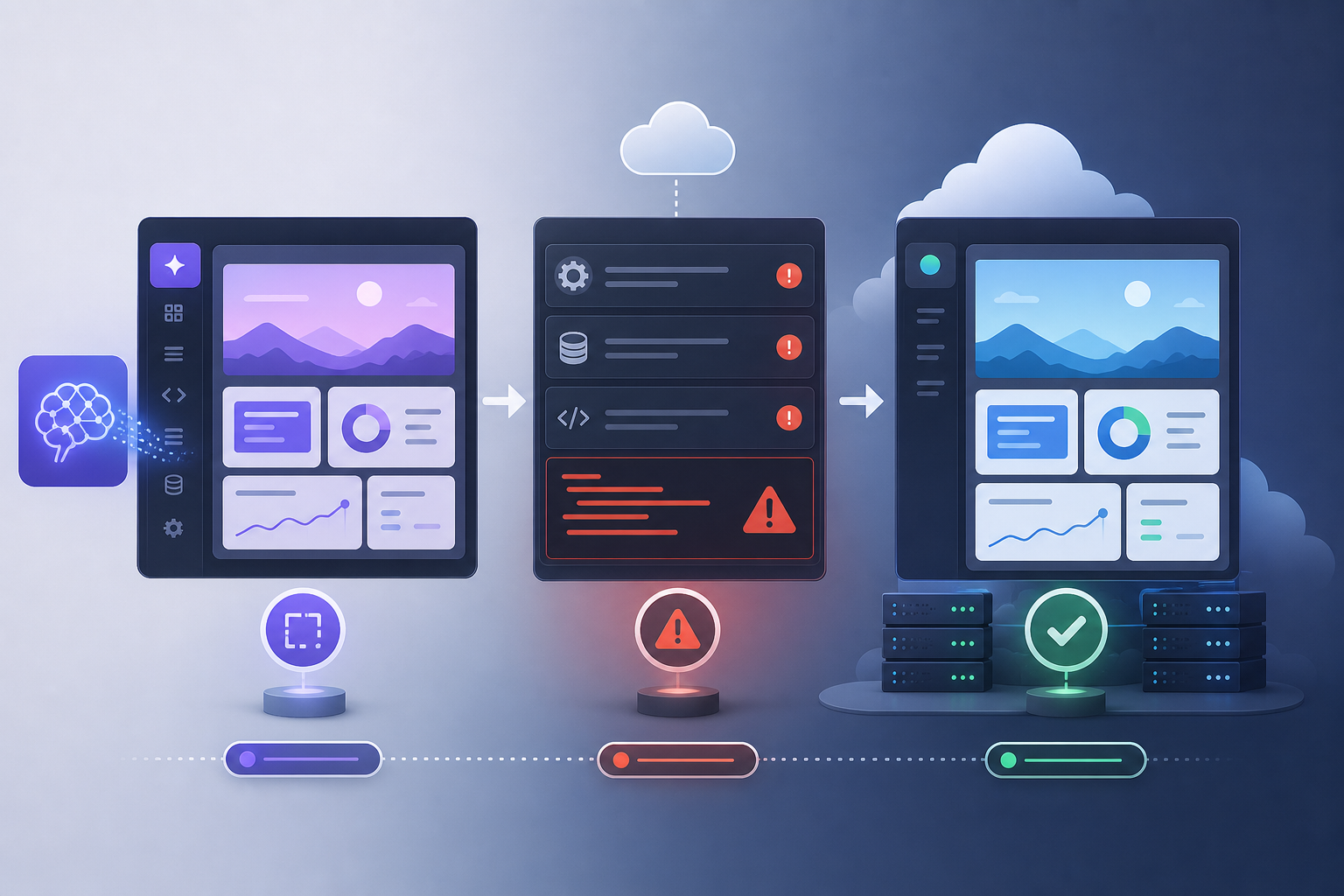
Use this production-readiness process before relying on a Lovable MVP with real users.
A working Lovable prototype is a real achievement, but a prototype is not the same as a production-ready app. Production means real users, real data, real errors, real security concerns and a maintenance path that does not depend on guessing.
Why a working prototype is not yet production-ready
A prototype proves that the idea can be demonstrated. Production readiness proves that the app can be used, maintained, secured and recovered. The gap between the two is where many AI-built apps need careful review.
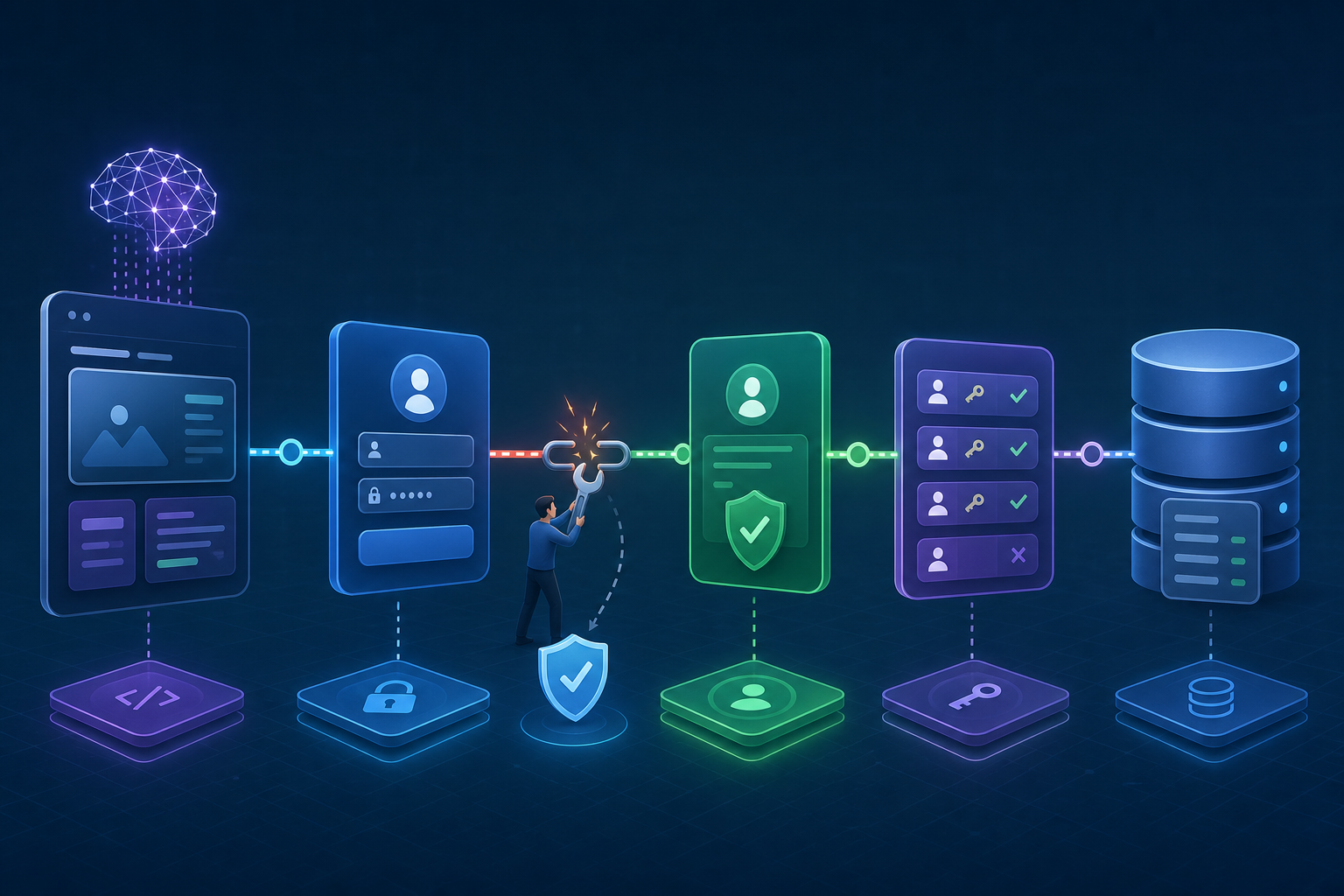
Review project structure and code quality
Look for duplicated components, unclear state, dead code, fragile routing, inconsistent naming and large files that mix too many responsibilities. You do not need perfect code, but you do need code that can be changed without causing unpredictable failures.
Connect and secure the GitHub repository
A connected repository gives you version history, review options and a recovery path. Check that the latest working app is committed, secrets are not stored in code and the branch used for deployment is clear.
Review Supabase schema and data relationships
Confirm tables, relationships, required fields and constraints match the actual product. A prototype often stores just enough data for a demo. Production data needs clearer rules, validation and ownership.
Check row-level security
RLS should be reviewed before real user data enters the app. Confirm users can only read and write records they should access. Admin workflows need separate consideration. For auth-heavy apps, review Lovable and Supabase authentication problems before launch.
Harden authentication and user permissions
Test signup, login, logout, password reset, OAuth, session refresh and protected routes. Make sure error states are understandable and that users cannot bypass restricted screens by visiting routes directly.
Review Edge Functions and APIs
Functions should handle missing data, bad responses, timeouts and permission failures cleanly. Check CORS, secrets, logs and deployment status. The Lovable Edge Function errors guide is useful if any function is unstable.
Set environment variables correctly
Separate preview, staging and production variables where possible. Confirm public variables are safe to expose and secrets stay server-side. Document which service each variable belongs to so future changes do not become guesswork.
Create staging and production environments
A staging environment lets you test changes without risking the live app. If the project is small, this may be lightweight, but there should still be a way to test before publishing changes to real users.
Test deployment and rollback
Production readiness includes knowing how to undo a bad deployment. Test publishing, confirm the live build updates, and know how to return to the last working version. This is especially important after a failed launch or live outage.
Test forms and database writes
Run the full journeys: signup, profile update, enquiry form, checkout, booking, dashboard action or any other core workflow. Confirm the data lands in the right table and the user sees the right success or error state.
Test across mobile and desktop
Use real breakpoints and real devices where possible. Navigation, modals, forms, sticky elements and keyboard behaviour are common weak points in AI-built interfaces.
Review accessibility, UX and performance
Check headings, focus states, form labels, contrast, loading states and meaningful errors. Review image sizes, bundle weight and slow network behaviour. Production users will not all have the same device or connection used during the demo.
Add logging, monitoring, backups and maintenance
You need a way to know when the app fails, a way to inspect errors, and a way to recover important data. Backups, logs and ownership notes are not glamorous, but they make the app less fragile.
Final production-readiness checklist
- Repository connected and clean.
- Supabase schema reviewed.
- RLS and permissions tested.
- Authentication flows tested on live-like URLs.
- Edge Functions and APIs logged and stable.
- Environment variables documented.
- Deployment and rollback understood.
- Mobile, desktop, accessibility and performance checked.
- Backups and maintenance procedure in place.
Conclusion and soft CTA
A Lovable app can move from prototype to production, but the thinking still matters. If the structure is viable, targeted repair and stabilisation may be enough. If you are unsure, start with diagnosis, review wider repair options, repair unstable parts through AI code repair, or request Lovable app repair.
How to decide what production means for your app
Production readiness is not the same for every project. A private internal tool, a paid SaaS product, a public lead-generation app and a client portal all have different risk levels. Start by defining who will use the app, what data it stores, what happens if it fails, and which journeys must work every time.
Once you define that standard, the checklist becomes clearer. A prototype used by two internal testers may tolerate manual recovery. A customer-facing app collecting personal data needs stronger authentication, backups, policies, monitoring and support procedures. The level of review should match the risk.
Data protection and access review
List the sensitive data in the app: names, emails, payment references, private messages, business records, uploaded files or anything else a user would not expect another user to see. Then confirm which tables store that data and which policies protect it. This is where Supabase RLS and storage rules matter.
Do not rely only on the interface. Test access directly through the app with different roles. Try to view records as the wrong user. Try to submit incomplete or malicious-looking data. You are not trying to break the app for sport; you are finding weaknesses before real users do.
Operational readiness for small teams
A production app needs an owner. Someone should know where the repository is, where Supabase lives, how deployment works, where logs are checked, how backups are handled, and who can make urgent changes. Without that ownership, even a small bug can become stressful because nobody knows where to look.
Write down the basics in plain English. Include URLs for dashboards, the deployment process, the critical environment variables by name, the support inbox, and the steps to test the main journey after a change. This small document can save hours during a launch issue.
What to stabilise before adding new features
Before adding more features, stabilise authentication, database writes, critical forms, key Edge Functions, deployment and mobile journeys. New features built on unstable foundations tend to multiply problems. A feature that depends on unreliable auth will inherit auth failures. A dashboard built on unclear RLS will inherit data access risk.
This does not mean the app must be perfect. It means the foundations used by every new feature should be predictable. Once those foundations are stable, Lovable can remain useful for iteration because each new change has a clearer structure to build on.
When to pause production and rebuild
Sometimes diagnosis shows the existing structure should not go live. That may happen if user data is insecure, the platform no longer fits the business requirement, core workflows are duplicated beyond repair, or every change breaks unrelated screens. A rebuild is not a failure; it can be the cleanest way to protect the business goal.
But rebuild should be a conclusion, not a reflex. Many Lovable projects only need targeted repair, clearer Supabase policies, better deployment setup, or a short stabilisation pass. Review first, decide second, build third.
Example production-readiness review
Start with the main user journey. For a booking app, that might be signup, service selection, booking submission, confirmation and admin review. For a SaaS dashboard, it might be signup, onboarding, data creation, dashboard loading and account settings. Write the journey down and test it as a new user on the live-like environment.
Then inspect the data created by that journey. Are records linked to the right user? Are required fields present? Can another user see them? Can an admin see what they need without overexposing private data? This is where prototype assumptions often surface. The interface may look right while the data model is still too loose for production.
Then inspect recovery. What happens if deployment fails? What happens if a function returns 500? What happens if a user abandons signup halfway through? What happens if an external API is down? Production readiness is partly about graceful failure. Real apps need useful errors, logs and a way to recover.
How to plan the next phase after launch
Production is not the finish line. After launch, the project needs a rhythm for updates, testing and maintenance. Keep a small change log. Test the critical journey after every meaningful change. Review Supabase logs after launch. Watch for repeated support questions because they often reveal unclear UX or hidden bugs.
Plan future Lovable prompts around stable foundations. Ask for small changes, give context, and avoid broad rewrites of working areas. If a new feature touches authentication, payments, private data or deployment, treat it as higher risk and test accordingly. That approach lets you keep the speed of AI-assisted building without turning every update into a production surprise.
If the app grows, revisit architecture. What worked for an MVP may need stronger boundaries, clearer components, richer monitoring or a more formal staging process. Scaling is not something to promise blindly, but it is something to review honestly as usage, data and business importance increase.
A practical go-live decision framework
Before launch, classify issues into blockers, risks and improvements. A blocker prevents the main journey from working or exposes data incorrectly. A risk does not stop launch immediately but could affect reliability, security or support. An improvement would make the app nicer but is not required for safe use. This classification helps small teams avoid both panic and complacency.
Examples of blockers include broken signup, failed payments, users seeing other users’ data, live forms not saving, missing reset flow for required accounts, or a deployment process nobody can repeat. Examples of risks include limited logging, manual backups, weak error messages or a brittle admin workflow. Examples of improvements include nicer empty states, richer onboarding or a more polished dashboard.
Make the launch decision based on the blockers. If blockers remain, pause. If blockers are fixed but risks remain, decide whether the risk is acceptable for the first audience. A quiet beta with known monitoring may be reasonable. A public launch with private user data and no recovery plan may not be. Production readiness is a judgement call, but it should be an informed one.
What to document before launch
Before launch, document the essentials: repository location, deployment process, Supabase project, environment variable names, key user roles, important tables, Edge Functions, external APIs, backup process, monitoring location and who owns urgent fixes. This does not need to be a formal manual. A clear internal note is enough to prevent confusion when something changes later.
Documentation is part of production readiness because it reduces dependency on memory and chat history. If the person who built the app is unavailable, someone else should still be able to understand where the app lives, how to test the main journey and where to look when it fails.
Production readiness signs that are easy to overlook
One overlooked sign is repeatability. If only one person can publish the app successfully, the process is fragile. Another is observability. If nobody knows where errors appear, a live issue becomes guesswork. Another is data ownership. If records are not clearly tied to users or organisations, permissions become harder to reason about as the app grows.
Support readiness matters too. Users need a way to report issues, and the team needs enough information to reproduce those issues. A simple support route, error screenshot request and internal issue log can make early production use much calmer. Without that loop, the same vague complaint may repeat without anyone finding the root cause.
Finally, review whether future changes have a safe path. If every small edit requires a risky live publish, create a staging routine. If every new prompt touches authentication, define boundaries. Production-ready does not mean frozen. It means change can happen deliberately, with testing and recovery in place.
Final pre-launch review meeting
Before a serious launch, hold a short review with everyone who owns the product, marketing, operations or support. Walk through the main journey, known risks, rollback plan, support route and what will be monitored during the first days after launch. This meeting does not need to be formal, but it should create shared understanding. If the app matters to the business, nobody should discover the production plan only after something breaks. A clear owner, tester and fallback contact should be named before launch day.