
Replit Production Database Migration: What To Check First

Plan a Replit production database migration by protecting live data, checking schema and configuration, then validating the controlled change.
A Replit production database migration is not simply another code deployment. Before a schema, connection or data change reaches a live app, the actual production database, its current schema and its irreplaceable data need to be identified and protected. Plan the change, test it away from live data where practical, and decide how the application and database versions will remain compatible.
A migration may involve moving from a development database to an intended production resource, changing the production connection configuration, applying an approved schema change, or moving existing live data between resources. Each situation has different risks. The safe objective is not to make the database look like development; it is to make one deliberate change while preserving the records and relationships the published app relies on.
Identify the live database before touching anything
First establish which database the published app is currently intended to use. Replit projects can have distinct development and production data arrangements, and older projects or remixes may need extra care. Check the production selection and the deployment’s configuration without exposing credentials. Record the database resource, the published application version, the environment in use, and the connection setting name such as DATABASE_URL where relevant.
Do not assume a successful preview is using the same data target as the public app. Equally, do not assume a code repository contains live records or a complete picture of the current production state. The database, secrets and deployed release need their own evidence.
Record a known-working production state
Before planning the change, note what works now. Capture the released version, current schema or migration version, key record counts, important user journeys, integrations, and the time at which the app was confirmed healthy. This gives the team a comparison point after the migration and helps separate a new failure from an earlier issue.
Where the database platform supports an export, snapshot or point-in-time recovery option, confirm what is available, who can use it, and how recovery would be initiated. Do not treat a vague promise of a backup as a recovery plan. The plan should identify the preserved state and the decision point for using it if validation fails.
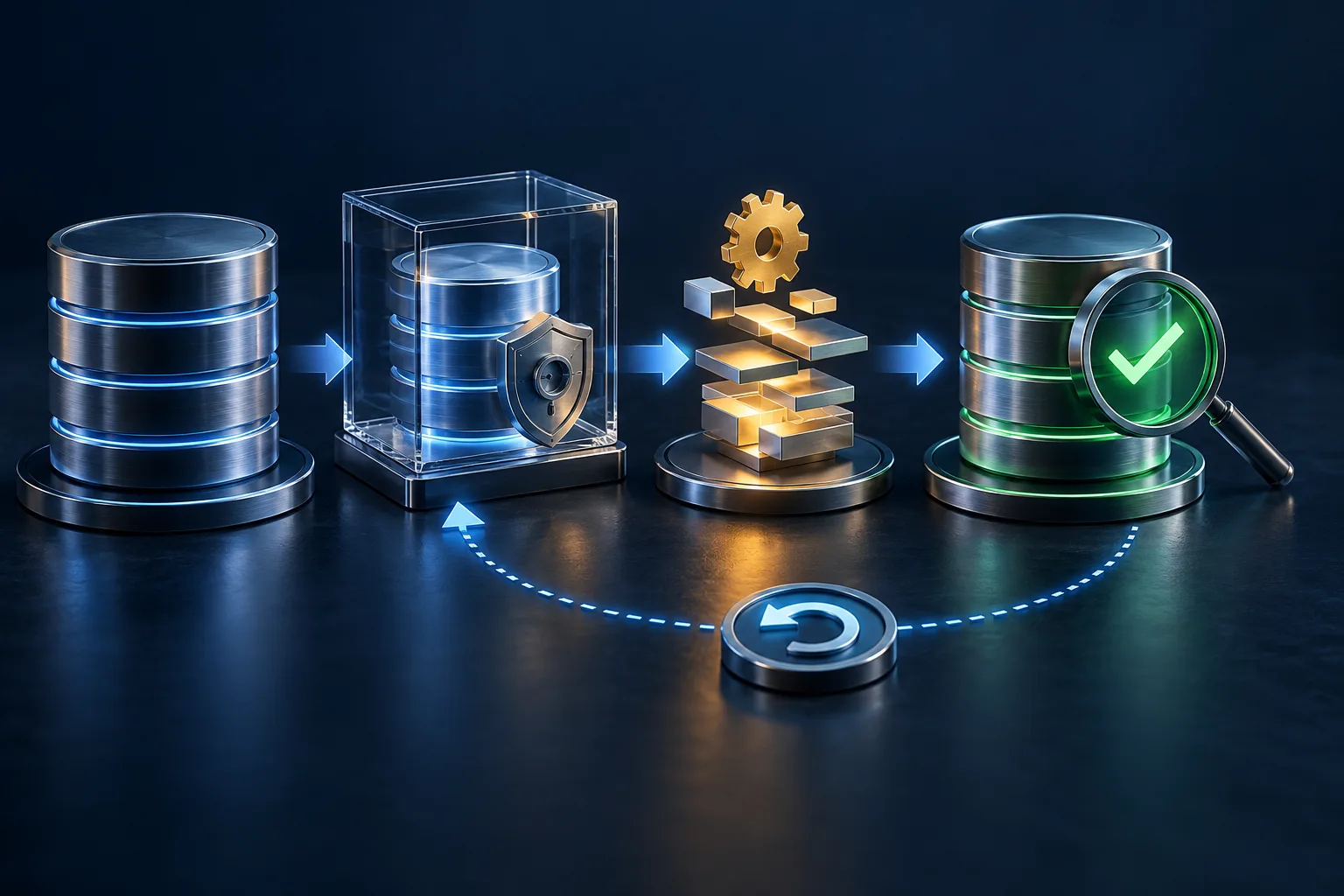
Understand the current and intended schema
Write down the current production schema state and the exact intended change. That might be an additive column, a new table, a revised relationship, a data transformation, or an application change that expects a previously unused field. Check migration files or scripts where the project uses them, and establish whether the relevant migration has already been applied. Running an old migration twice or applying an unreviewed script can be just as harmful as skipping the necessary one.
Consider compatibility in both directions. Can the currently deployed app tolerate the new schema while the release is being changed? Can the new release continue to operate safely if a deployment must be rolled back? Changes that remove, rename or reinterpret live fields need more planning than changes that add an optional field.
Identify the data that must survive
List the production information that cannot be casually replaced: customer records, application content, orders, settings, audit history, permissions and any data that links one service to another. User and authentication records deserve special care because IDs, roles, sessions, verification state and foreign-key relationships can affect more than the login screen. Integrations may also store database IDs or depend on an expected schema.
Check whether existing values are compatible with the intended schema. A new required field, tighter validation rule or changed relationship can fail on records created long before the new code existed. This is a migration-planning question, not an excuse to delete records that appear inconvenient.
Check production configuration and connection handling
The published app needs the intended production configuration at the point the migration is performed and when the new release starts. Confirm the setting names, scope and receiving application process without revealing a connection string in prompts, screenshots or logs. Current Replit documentation describes production and development database handling separately, but the appropriate steps can depend on the project’s database history and setup.
Do not overwrite a production connection value with one copied from development because it appears to solve an immediate error. Confirm that the application code reads the expected setting, that the intended production resource is selected, and that any authorised configuration change is included in the controlled release plan.
Test the planned change before live data where practical
Use a safe representative environment or a carefully prepared copy only when the project’s security and data-handling requirements allow it. Test the migration path, application version, authentication journey and critical integrations together. Preview or staging tests can reveal ordering and compatibility mistakes, but they do not replace production verification because real production data may expose different edge cases.
Keep the test focused on the intended migration. This is not the point to make unrelated application changes, rewrite connection handling, or ask an AI coding tool to keep trying random database fixes. If the test result is unclear, stop and establish the current state rather than adding more unverified changes.
Decide the migration and deployment order
Code deployment and database migration are related but not automatically the same operation. Decide which compatible application version should be running before, during and after the schema or data change. Consider temporary backwards compatibility, a short maintenance window if one is genuinely needed, and how to avoid an app version querying a schema it cannot understand.
Apply only the reviewed migration once the backup or recovery route, release order and validation checks are understood. Do not rerun migrations repeatedly, reset a schema, recreate a database, copy a development database over production, or delete apparently obsolete tables to force progress. Empty live data does not prove that the production database is safe to replace.
Validate production after the migration
After the controlled change, verify more than a successful publish message. Check that the public app reaches the intended database, expected record counts and representative data remain available, key writes and reads behave as designed, authentication still works, and integrations that rely on IDs or schema fields still complete. Review application and deployment errors for the first concrete failure rather than changing several settings at once.
Compare these results with the known-working baseline. If a validation check fails, pause the rollout, preserve the evidence and use the pre-agreed recovery or rollback route. Do not keep prompting an AI coding tool to “fix the database” until the original data state and change history are unclear.
When a production migration needs a proper diagnosis
A proper Replit app diagnosis establishes what production uses, what must change, what data must survive, whether the code and schema versions are compatible, and whether the risk is configuration, deployment order, migration logic, data, authentication or the platform. It does not promise that every database change can be completed automatically. Investigation and a safe migration plan are paid diagnostic work; implementation is a separate paid phase.
If the database is already unexpectedly connected, missing or behaving incorrectly before any intentional change, treat that as a production-database fault to diagnose rather than starting a migration in the hope that it cures the problem.