
Shopify Product Pages Not Converting?
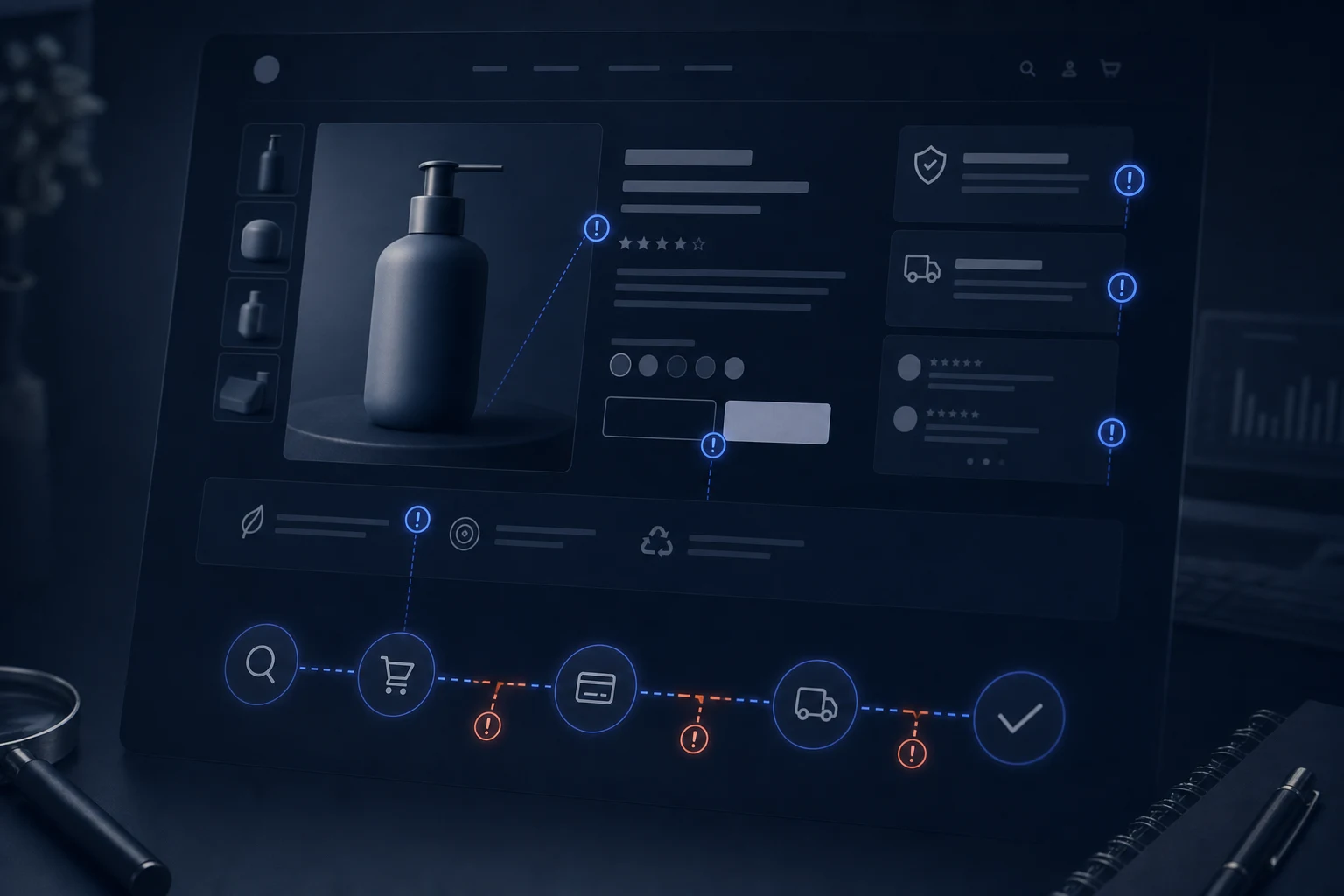
A Shopify product page can look polished and still fail to convert if the copy, trust signals, variants, mobile layout or buying path is unclear.
A Shopify product page can look polished and still fail to convert. The copy may be neat, the images may load and the add-to-cart button may be visible, but buyers still need clarity, confidence and a reason to act. If a product page is not selling, check the page as a decision point, not just as a design.
AI-written product pages often sound smooth without answering the questions that matter. A buyer wants to know what the product does, who it is for, what is included, what size or variant to choose, how delivery works and why the store can be trusted.
Signs the product page is the problem
The page may get visits but few add-to-cart actions. Customers may ask questions already mentioned somewhere else on the site. Variant selectors may be confusing. Reviews, delivery information, returns, guarantees or product details may sit too far down the page. On mobile, important information may be hidden below large images or stacked awkwardly.
Another sign is generic copy. If the description could apply to almost any product in the category, the page is not doing enough work. Shopify AI can create a starting point, but conversion needs buyer-specific detail and stronger proof.
Likely causes
Common causes include weak product descriptions, missing specifications, unclear variants, poor image order, weak calls to action, missing reviews, unclear delivery and returns information, thin comparison details, poor mobile layout, slow app widgets and collection pages sending buyers to the wrong product.
Theme sections can also create friction. Tabs, accordions, sticky buttons, recommendation blocks and review widgets need to work together. If apps have changed the product template, check whether they are helping the page or distracting from the purchase decision.
What to check first
Start with one important product. Read the page on mobile. Can a buyer understand the product in the first screen or two? Are price, variants, delivery and returns clear? Does the copy answer objections? Do reviews or trust signals support the decision? Is the add-to-cart button easy to find after scrolling?
Then compare the product page with the collection page that sends traffic to it. If the collection creates one expectation and the product page gives another, buyers hesitate. If the issue affects the wider store, review the Shopify AI store repair page for a broader buying-journey diagnosis.
What not to do
Do not rewrite every product description with the same AI prompt. Do not add urgency badges, popups or upsells before the basic product decision is clear. Do not judge conversion only by desktop appearance. Do not hide shipping, returns or variant detail because the page looks cleaner without them.
Do not start by installing more conversion apps. More widgets can slow the page and distract from the buying decision. Fix the product story, trust, layout and cart movement first.

When to get help
Get help when product pages look fine but add-to-cart rates remain weak, when app widgets are fighting for attention, or when mobile buyers cannot move smoothly from product page to cart. A focused review can identify whether the issue is copy, trust, layout, variants, apps or the wider conversion path.
Checklist
- Check the product page on mobile.
- Review title, price, variants and add-to-cart position.
- Check product description for real buyer questions.
- Review images, specifications and included details.
- Check reviews and trust signals.
- Confirm delivery and returns clarity.
- Look for distracting apps or widgets.
- Compare collection promise with product-page detail.
- Test cart movement after add to cart.
- Improve one important product before changing every page.
Conclusion
Shopify product pages convert when they make the buying decision easier. If they are not selling, diagnose clarity, trust, mobile flow and app behaviour before adding more design polish. If sales are low across the store, connect product-page fixes with the wider Shopify store not getting sales problem.
Extra checks before you make more changes
Look at the page from the viewpoint of a cautious buyer. They may want to compare options, understand size or compatibility, know what happens after purchase and see proof that the store is reliable. If those answers are hidden in tabs, missing from mobile or written in vague AI copy, the page can look complete while still failing to persuade.
Check one product page deeply before changing every product. If the issue is repeated across the template, fixing the structure once can help many products. If the issue is product-specific, the fix may be better copy, clearer images, stronger variants or more trust detail for that item rather than a full store redesign.
Also review how the product page fits into the wider store. A buyer may arrive from search, a collection, an advert or a recommendation block. The product page should continue that promise clearly. If the message changes between entry point and product detail, the page can lose confidence even when the design itself is tidy.
One useful test is to ask what the buyer still cannot know after reading the page. If the answer includes size, material, compatibility, delivery, returns, proof, use case or product difference, the page needs stronger content rather than more decoration. Good product-page repair removes doubt before it asks for the sale.