
Squarespace Website Not Getting Enquiries?
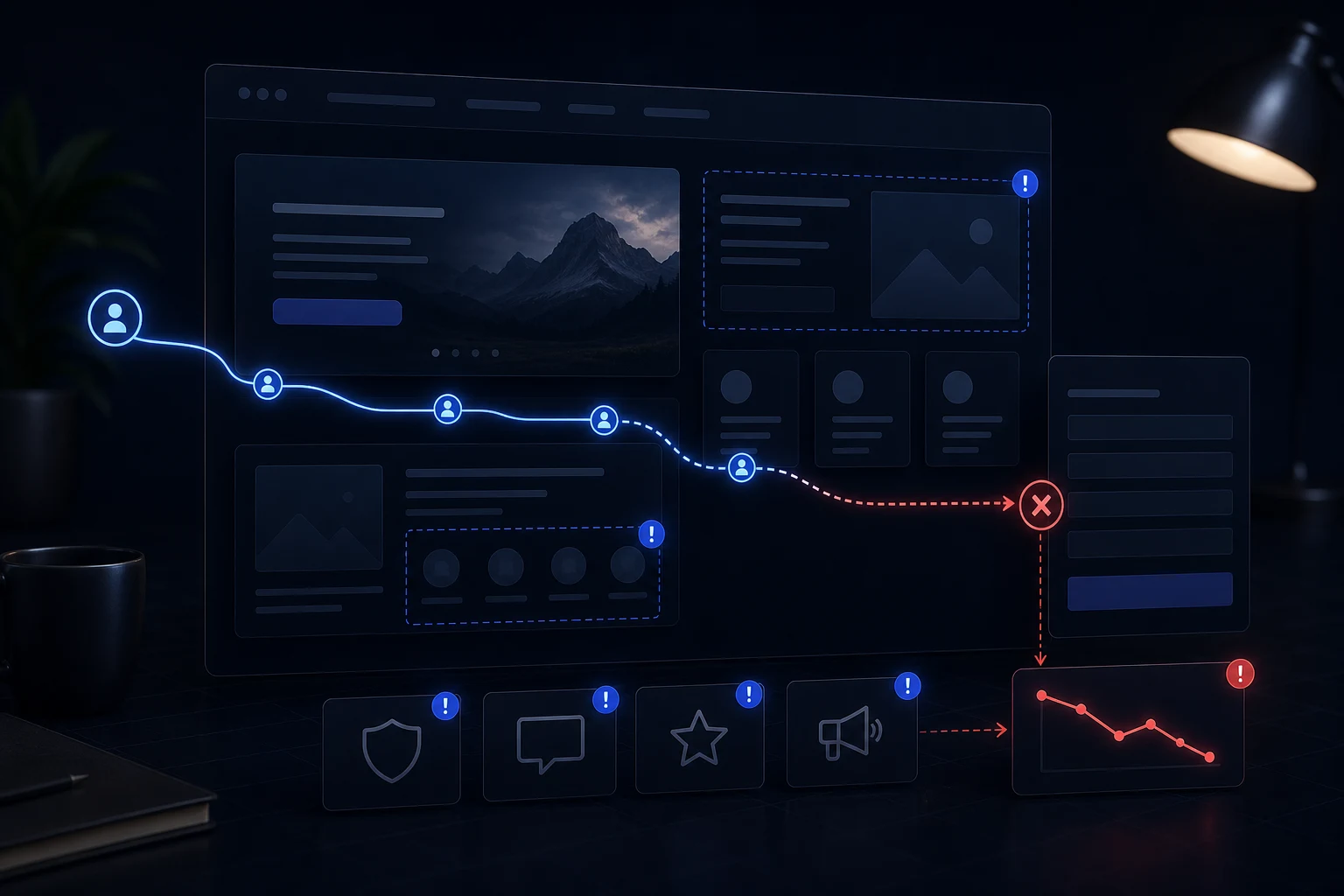
A Squarespace website not getting enquiries can still look good. The site may have attractive sections, modern styling and AI-polished copy, but visitors do not understand the offer, trust the business enough or find a clear path to contact.
What the problem looks like
A Squarespace website not getting enquiries can still look good. The site may have attractive sections, modern styling and AI-polished copy, but visitors do not understand the offer, trust the business enough or find a clear path to contact.
This is especially common after using Squarespace AI, Blueprint AI or AI-assisted editing because the first draft can look polished before the live website has been checked properly. The public site still has to work for visitors on real phones, with real forms, real page content and a clear reason to enquire.
If the issue affects more than one page, start with the wider Squarespace AI website repair process rather than making another isolated edit.
Likely causes
Common causes include vague homepage messaging, generic service copy, weak trust signals, hidden CTAs, broken or awkward forms, poor mobile flow, thin SEO pages and a customer journey that looks nice but does not answer buyer doubts.
Other causes include generic generated copy, missing trust signals, unclear calls to action, weak service page structure, untested mobile styles and settings that looked fine during editing but were never tested on the live site. A Squarespace site can therefore look complete while still being commercially weak.
The important point is that the visible symptom is not always the root cause. A form problem may also be a trust problem. A mobile layout problem may also be a content hierarchy problem. A weak SEO page may also be a thin service page.
What to check first
Read the homepage like a cautious buyer. Check whether it says what you do, who it is for, why you are credible and what happens next. Then test the form, mobile CTA path, service pages and trust content.
Open the published page outside the editor and work through it like a new visitor. Check the first screen, menu, service pages, contact path, footer, forms, buttons, mobile view and tablet view. Record the exact page and viewport where each issue appears.
If traffic, trust, mobile layout and the contact path all seem possible causes, diagnose why visitors do not enquire before spending more on promotion.
- Check the first screen.
- Test the contact path.
- Review trust content.
- Check service pages.
- Review mobile CTAs.
- Check SEO intent.
What not to do
Do not immediately spend more on ads or social promotion if the website cannot convert visitors. More traffic will only expose the same weak page structure, form friction or lack of trust.
Do not keep asking AI to rewrite or regenerate sections until you know what is broken. That can make the site sound smoother while weakening the customer journey. Do not rebuild the whole site just because one visible problem is frustrating. Many Squarespace AI sites can be repaired or restructured without throwing away useful work.
Do not judge the site only by how it looks in the editor. The published page, mobile version, form behaviour and enquiry flow are what matter to real customers.

When to stop editing and get help
Get help when you cannot tell whether the issue is traffic, SEO, messaging, mobile layout, forms or trust. Conversion problems often involve several small issues rather than one obvious fault.
Stop editing when you cannot tell whether the issue is traffic quality, page clarity, trust or form friction. A focused website repair review can show what should change first.
You should also stop if the issue affects enquiries, booking paths, trust content, service pages or mobile visitors. Those are business-critical areas, not minor polish.
Practical checklist
Use this checklist before deciding whether the Squarespace AI site needs a small repair, a wider restructure or a rebuild. Work through it on the live site, not only inside the editor.
A lead-generating Squarespace site needs clarity, proof and a low-friction enquiry path.
- Offer is clear.
- Audience is obvious.
- Trust signals appear early.
- CTA is specific.
- Form works.
- Mobile journey is easy.
- Service pages are useful.
- SEO supports buyer intent.
Final review before publishing more changes
After conversion repair, the site should make the service obvious, answer buyer doubts, show enough trust and guide visitors towards a working contact path.
After any repair, test the same issue again on desktop, mobile and a wider tablet-style viewport. Check the form path, the main CTA, the page title and the service explanation. A repair is only complete when the live site is easier to use and clearer for a real visitor.
Short conclusion
A Squarespace site that is not getting enquiries may need repair, not a prettier design. Diagnose clarity, trust, forms, mobile layout and SEO together.
The safest route is to diagnose the live website first, then repair the specific layout, form, SEO, content or conversion issues that are stopping the site from doing its job.