
Supabase RLS Check for AI-Built Apps
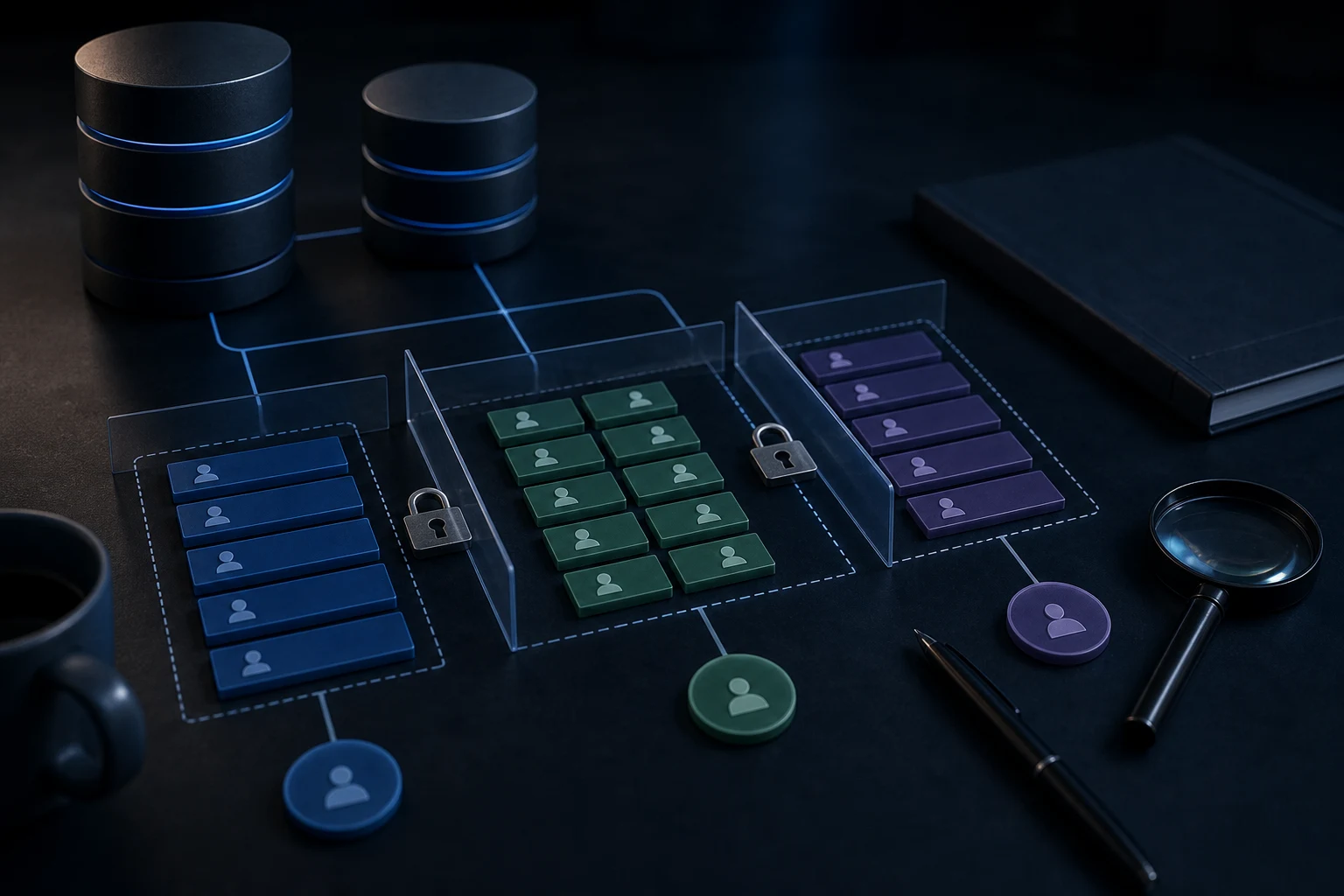
A plain-English guide to checking whether Supabase Row Level Security is protecting an AI-built app before real users and private data are involved.
Supabase Row Level Security, usually called RLS, controls which rows a user can read, create, update or delete. If your AI-built app uses Supabase and handles real users, RLS should be checked before launch. A working login screen does not prove user data is isolated. A table that loads in preview does not prove the right people can access only the right records. RLS is one of the main places where an AI app can look finished but still be unsafe.
What RLS means in plain English
Think of RLS as rules attached to database rows. Instead of simply asking whether someone can reach the database, the app asks whether this specific user should access this specific row for this specific action. In a multi-user app, that difference matters. One person may be allowed to read their own profile, invoices, messages or project records, but not another user’s records.
AI-generated code can create a table, connect a login provider and display data quickly. The missing piece is often the policy layer that proves who owns each row and what they are allowed to do. A proper AI app security check reviews that relationship before the app is trusted with live data.
Why RLS matters for multi-user apps
If every user sees the same demo data, missing RLS may not be obvious. The issue appears when real accounts are created. A user might see another user’s records, edit something they do not own, load a shared dashboard that should be private or access records through an API call even when the interface hides them. Hiding a button is not the same as denying access.
RLS helps enforce user isolation at the database level. It is not a substitute for good server-side checks, but it is an important layer when the browser, API and database all interact. If the app also has API routes that return too much data, review the guidance on APIs behaving differently in production as part of the wider diagnosis.
Common AI-generated Supabase mistakes
Common mistakes include leaving tables public, disabling RLS to make errors disappear, creating policies that are too broad, relying only on client-side filters, confusing user IDs with profile IDs, trusting route parameters, using the wrong key in the wrong place and testing with only one account. AI tools often solve the immediate error by making access easier, which can be the opposite of making access safer.
Another pattern is a generated app that uses Supabase correctly for login but does not connect each database row to the logged-in user. The app can authenticate someone, but it cannot reliably decide which data belongs to them. That is an authorisation problem as much as a database problem.
Anon key versus service role key at a high level
Supabase projects usually involve public client-side access using an anon key and private server-side access using a service role key. The exact setup depends on the app, but the principle is simple: keys with privileged powers must not be exposed to the browser. The anon key is not the same as open access when RLS policies are correct. The service role key is a much more sensitive credential and should be handled with care.
If you suspect the privileged key is visible in frontend code, treat that as a separate urgent issue and read what an exposed Supabase service role key means. Do not paste the key into AI tools or public support chats.
How to think about who should read and write data
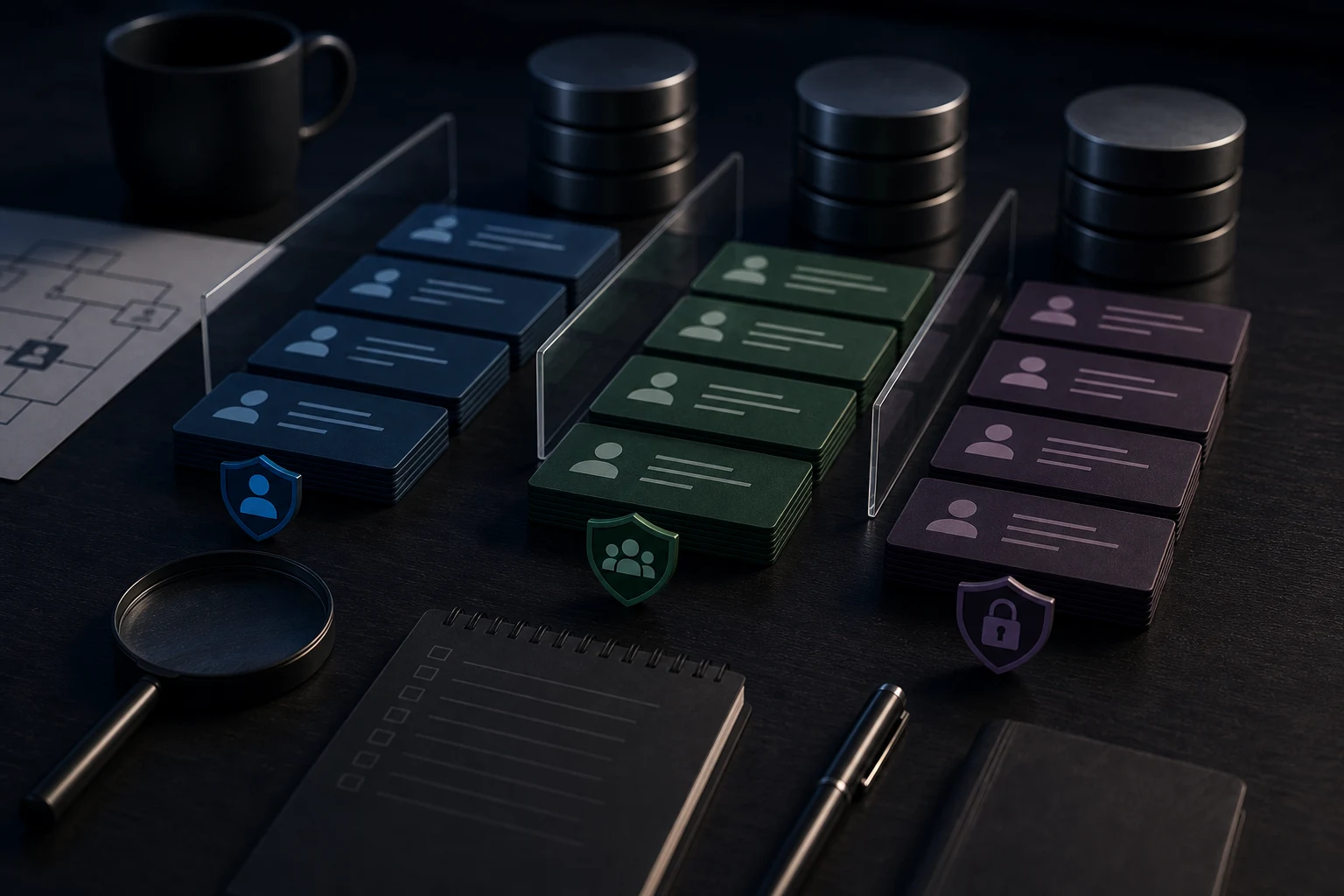
Before checking policies, write down the intended rules in plain English. Who can create a row? Who can read it? Can a team admin read team records? Can a normal user edit only their own profile? Can public visitors submit a form but not read submissions? Can support staff see everything, or only assigned records? These answers guide the technical review.
This plain-English model is often missing from AI-built apps. The code may have grown from prompts about screens rather than prompts about data ownership. A diagnosis should connect the user journey, auth state, API calls and database policies instead of looking at one file in isolation.
What to check before launch
Use at least two real test accounts. Confirm that each account sees only its own records. Test direct links, refreshes, browser back buttons, API requests triggered by the UI and any admin or team role. Check create, read, update and delete behaviour separately. A rule that blocks editing may still allow reading. A rule that protects one table may not protect related tables.
Also review whether environment variables differ between local, preview and production. RLS can appear to work locally while the live app uses different keys, URLs or policies. The pre-launch review in what to check before launching an AI-built app pairs well with database access checks.
What not to change blindly
Do not disable RLS just to make a demo work. Do not replace specific policies with broad public access because an error message looks urgent. Do not ask AI to generate final security policy code from a vague prompt and paste it into production without review. Do not paste private table data, service keys or customer records into AI tools.
If a policy blocks something that should work, collect the evidence first: user ID, table name, intended action, route, error message and whether the problem happens locally, in preview or live. The fix may be a policy, a missing owner field, a server-side check or a broken assumption in the generated app.
Supabase RLS review checklist
- Confirm RLS is enabled where private or user-owned data is stored.
- Write the intended access rules in plain English before changing policies.
- Test with at least two separate user accounts and realistic records.
- Check read, create, update and delete access separately.
- Confirm client-side filtering is not the only protection.
- Review API routes and server functions that read or write Supabase data.
- Check that privileged keys are not exposed to frontend code.
- Collect errors safely without sharing private data or secrets in AI tools.
When to get help
Get help when users may see each other’s records, policies have been loosened to make the app work, the service role key appears in frontend code, or you cannot explain who should access each table. These are not cosmetic bugs. They affect whether the app is safe enough for real users.
If the app is already live and private data may be exposed, pause risky features and prioritise review. Some RLS issues are repairable. Others reveal a deeper structure problem where the app needs cleaner separation between user journeys, server code and database access.
Short conclusion
Supabase RLS is not just a technical checkbox. It is the part of the app that helps prove users can access the right data and not the wrong data. Check it with real accounts, safe evidence and a clear access model before launch.