
AI App Security Checklist Before Launch
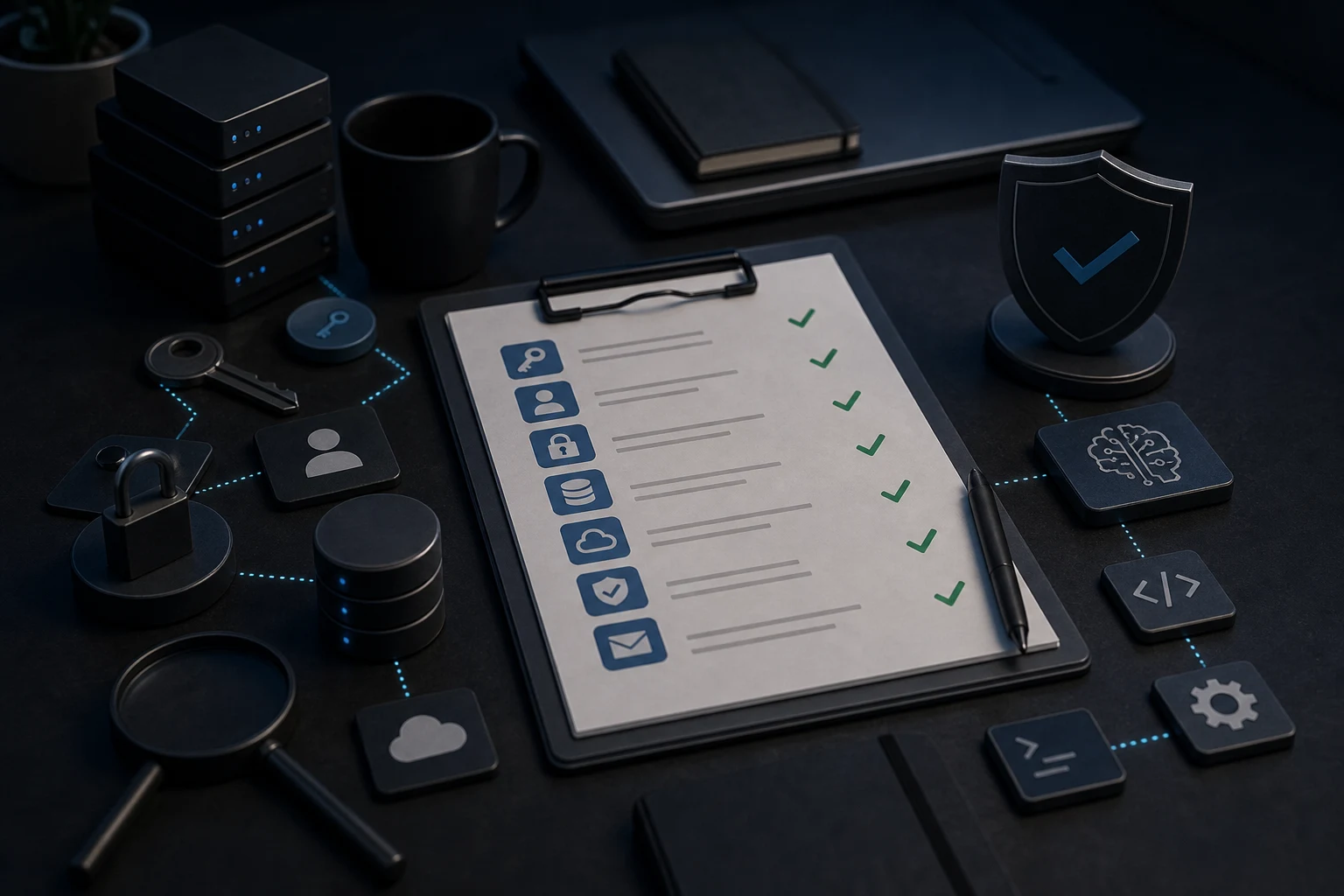
A practical pre-launch security checklist for AI-built apps, covering exposed keys, auth, database access, APIs and user data risks.
Before launching an AI-built app, check more than whether the interface works. Preview is not a security review. You need to review exposed keys, environment variables, auth, authorisation, database access, Supabase RLS, API routes, user data isolation, payments or forms, admin areas, browser exposure, public repositories and rollback plans before real users rely on it.
Preview is not a security review
An AI builder preview can prove that a screen renders and a happy-path demo works. It does not prove that private keys are hidden, users are isolated, database rules are correct or server-side checks exist. Security problems often appear only when the app is deployed, connected to real providers and used by more than one account.
This checklist is not a guarantee of security. It is a practical way to decide whether the app needs an AI app security check before launch.
Check exposed keys and secrets
Look for API keys, service keys, payment secrets, database passwords, email tokens and private provider credentials in frontend code, public repositories, screenshots, build logs and browser bundles. Private secrets should not be shipped to visitors. Public-looking keys still need restrictions and context.
If you find a private key in generated code, read the guide on API keys exposed in AI-generated code. Do not paste the key into AI tools. Rotate or revoke where appropriate and move sensitive values server-side.
Check environment variables
Review local, preview and production environment values. Missing or mis-scoped variables can make developers hard-code secrets into files, which creates security risk. Public prefixes should be used only for values that are safe to expose. Private keys belong in server-side environment settings.
If the live app behaves differently from preview, compare this with environment variables not working in production. A deployment mismatch can become a security workaround if someone removes checks just to make the app run.
Check Supabase, RLS and database access
If the app uses Supabase or another hosted database, check whether private tables are protected and whether users can access only the rows they should. Row Level Security should be reviewed with multiple accounts and realistic records. Public tables should be intentional, not accidental.
Do not disable policies to fix a demo error. If you are using Supabase, the Supabase RLS check for AI-built apps explains what to review without turning the process into a risky SQL guessing exercise.
Check authentication and authorisation
Confirm that login works on the live domain, but do not stop there. Test what each signed-in user is allowed to see or do. Check protected routes, admin pages, team areas, billing, record ownership and server-side checks. A logged-in user should not automatically have access to every record.
If the app has login but you are not sure what it protects, use an auth and authorisation check before launch. Client-side hiding is not enough for private actions or data.
Check user data isolation
Create test accounts and test realistic data. Confirm Account A cannot see, edit, search, export or request Account B’s records. Check dashboards, direct URLs, browser network responses, admin features, uploads and notifications. Data exposure is launch-blocking even when the app otherwise looks polished.
If you see mixed records or private data in the wrong account, pause launch and read the guide on AI app user data exposure.
Check API routes and server functions
Review routes and functions that read data, write data, send emails, create payments, call AI providers or perform admin actions. Each sensitive route should verify the current user and the requested resource. Do not trust the browser to send only safe requests.
Also check whether API behaviour changes after deployment. If local and live requests differ, the app may need deployment repair as well as security review.
Check payments, forms and private submissions
Forms and payments often handle sensitive details. Confirm that submissions go only where intended, payment callbacks are verified, admin views are protected and email notifications do not expose private data. Test failure states, duplicate submissions and logged-out access.
If payment or enquiry flows are already live and failing, do not keep prompting broad rewrites. Collect safe evidence and get the broken flow reviewed.
Check admin areas and privileged actions
Admin pages should not rely on a hidden menu item. Direct URLs, API calls and server actions need permission checks. Test with a normal user account and confirm it cannot reach admin data or perform admin actions. Review role changes and invite flows if the app has teams.
Generated apps sometimes create an admin route during prototyping and forget to protect it. That is easy to miss in preview because the builder is usually used by the owner.
Check browser console and network exposure
Open the live app and review console errors, network responses and loaded assets. You are not looking for attack tricks. You are checking whether private data, secrets or excessive records are being sent to the browser. If a response contains data the current user should not receive, hiding it in the UI does not fix the exposure.
Use test data for this check. Do not copy private records into AI prompts or public notes.
Check public repos and commit history
If the project was pushed to GitHub or shared as a zip, check whether secrets or private configuration were committed. Removing the current line may not remove earlier history. If a private credential was public, rotate it rather than assuming deletion is enough.
Also review screenshots and support messages created during the build. Non-technical builders often share environment screens while asking for AI help, which can expose secrets without touching code.
Check backups, rollback and launch decision
Before launch, know how you would roll back a bad deployment, disable a risky feature, rotate a key and contact a technical reviewer. A security checklist is useful only if it leads to a clear decision: launch, repair first, restructure first or do not launch yet.
If the review finds fragile generated code, a targeted AI code repair may be safer than continuing with more broad prompts.
What to send a developer
Send the app URL, stack, deployment platform, database provider, auth provider, affected routes, safe screenshots, redacted errors, what changed recently and the specific concern. Do not send API keys, service role keys, private user records, payment details or database dumps through informal channels.
Pre-launch security checklist
- No private keys or service credentials in frontend code or public repositories.
- Environment variables are correctly scoped for local, preview and production.
- Auth works on the live domain and protected routes are actually protected.
- Authorisation checks enforce ownership, roles and permitted actions.
- Database rules isolate users and teams properly.
- API routes verify the current user before reading or writing sensitive data.
- Forms, payments, admin pages and uploads are tested with realistic accounts.
- Browser responses do not include private data for the wrong user.
- Public repos, commit history and screenshots have been checked for secrets.
- Rollback, key rotation and support routes are understood before launch.
Short conclusion
An AI-built app can be a strong starting point, but launch needs more than a working preview. Check secrets, auth, permissions, database access, APIs and user data isolation before real users, private data or payments depend on it.