
Wix AI Website Looks Generic? How to Make It More Trustworthy
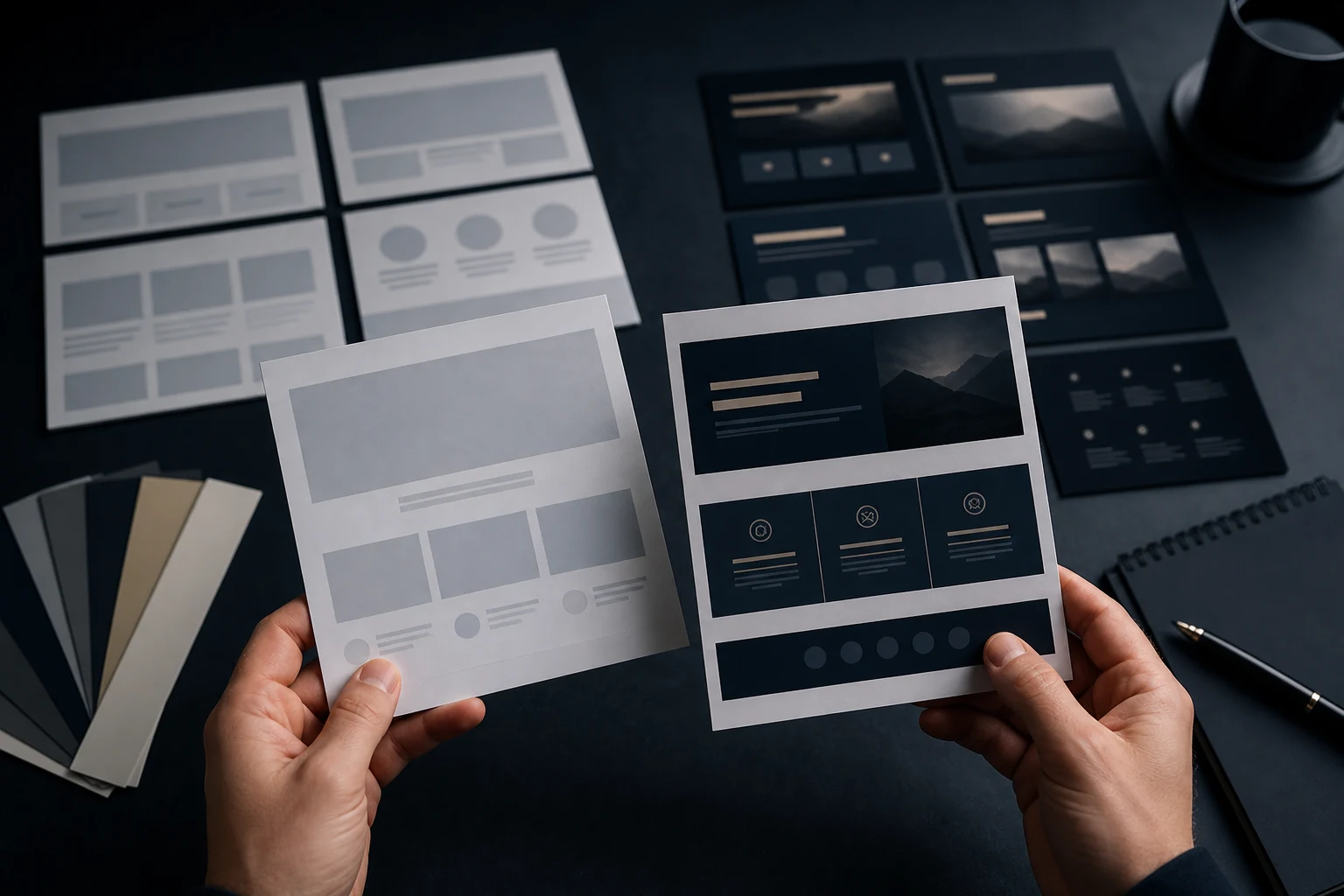
A Wix AI website can look polished and still feel generic. The colours may be neat, the sections may be balanced and the copy may sound confident, but the site could apply to almost any business in the same category. Visitors may not see enough detail to trust that you understand their specific problem.
What a generic Wix AI website usually feels like
A Wix AI website can look polished and still feel generic. The colours may be neat, the sections may be balanced and the copy may sound confident, but the site could apply to almost any business in the same category. Visitors may not see enough detail to trust that you understand their specific problem.
Generic does not mean useless. It means the site still needs business-specific judgement. A generated draft can be a good starting point, but it usually needs sharper service detail, proof, local relevance, clearer calls to action and a stronger reason to enquire. That is part of what we review on the Wix AI website repair page.
Likely causes
The main cause is broad AI-generated copy. AI often chooses safe phrases and familiar section patterns because they fit many businesses. That can create a site that looks complete but lacks the details a real buyer uses to make a decision. It may talk about quality, passion and solutions without explaining what is actually delivered.
Other causes include stock-like imagery, vague service blocks, missing case examples, no clear process, weak about content, hidden contact details, duplicated sections, no location signals where relevant and calls to action that feel too general. The result is a site that does not feel wrong, but also does not feel convincing.
What to check first
Read the homepage and ask what only your business could honestly say. If the answer is not much, the site needs more specificity. Check whether each service has a clear description, who it is for, what problem it solves and what the next step involves.
Then review trust signals. This can include qualifications, process detail, real project examples, clear contact information, service areas, helpful FAQs, practical guarantees where true and plain explanations of how the business works. If the whole site feels too generic, a structured diagnosis through Find What’s Broken can identify whether the issue is content, structure, design or conversion.
- Replace vague claims with specific service detail.
- Add proof that is true and relevant.
- Make calls to action clear and low-friction.
- Show who the service is for.
- Explain process and next steps.
- Check that mobile visitors see trust content early enough.
What not to do
Do not fake proof, testimonials or case studies. That damages trust and is not needed. Do not add buzzwords to make the site sound more impressive. Most visitors want clarity before cleverness.
Do not overcorrect by making every section long. A trustworthy website is not necessarily a dense one. It should be specific, organised and easy to act on. Improve the quality of the content and structure before adding volume.
When to stop editing and get help
Stop when the site still feels generic after several rewrites, when you are unsure what content should go where, or when improving one page makes the rest feel inconsistent. A wider website repair review can clean up structure, trust and conversion without throwing away useful work.

Practical checklist
Use this checklist to make a Wix AI website feel more like a real business and less like a generated draft.
- Homepage names the real service clearly.
- Service pages include useful specifics.
- Trust signals are visible and truthful.
- About content explains relevant experience.
- Contact route is easy to find.
- Images and sections support the business message.
- Copy avoids vague claims.
- Calls to action match the visitor’s likely next step.
Short conclusion
A generic Wix AI website can often be improved without a full rebuild. Keep the useful foundation, then add business-specific structure, proof, clarity and conversion thinking so visitors have a reason to trust and contact you.
How to make the site feel specific
Specificity comes from details that only fit the real business. Explain the actual services, the types of customers served, the common problems solved, the process, the service area where relevant and the next step after enquiry.
Replace broad claims with useful proof. That does not mean inventing testimonials. It can be as simple as explaining how the work is handled, what a customer should prepare, what happens after contact and why the business is a sensible choice.
Where generic Wix AI sites usually need work
The homepage, service blocks, about section and calls to action usually need the most attention. These areas decide whether visitors feel they are seeing a real business or a generated draft.
Good repair keeps the useful design foundation and strengthens the message. The finished site should still be easy to scan, but it should also answer real buyer questions with confidence and accuracy.
How to avoid making it overcomplicated
Making a Wix AI site more trustworthy does not mean making every page long. The best improvements are specific, organised and easy to read. A short section with real detail is better than a long section full of broad claims.
Keep the structure calm. Improve the words, proof, page order and contact route first. Decoration should support the message, not distract from the reason someone came to the site.