
Real fixes for broken websites and AI-generated code
Practical technical guides, diagnostics, recovery walkthroughs, and deep dives into the real-world failures we see fixing WordPress and AI-built websites.
Technical articles based on real-world failures
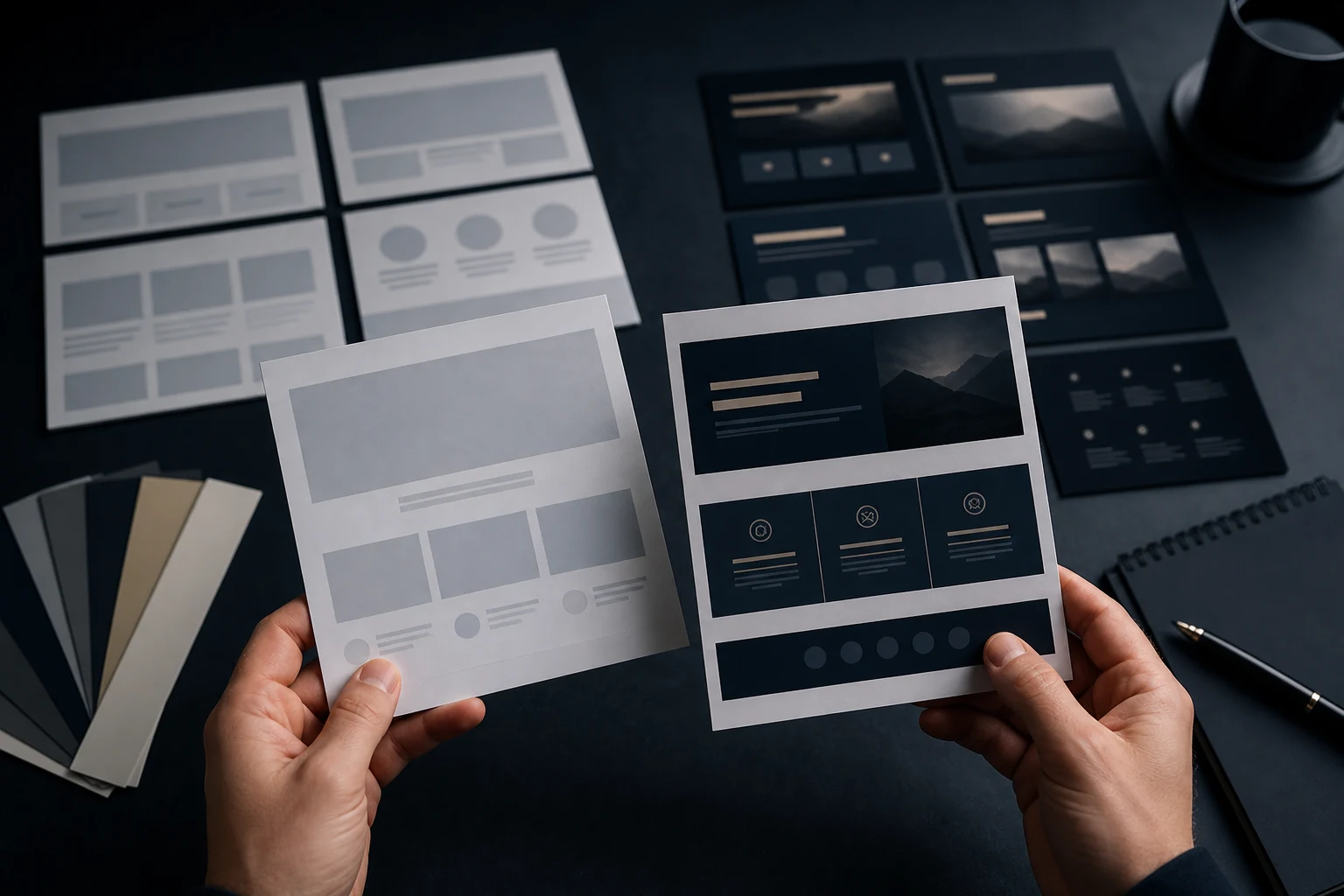
Wix AI Website Looks Generic? How to Make It More Trustworthy
A Wix AI website can look polished and still feel generic. The colours may be neat, the sections may be balanced and the copy may sound confident, but the site could apply to almost any business in the same category. Visitors may not see enough detail to trust that you understand their specific problem.
Wix AI Site Not Getting Enquiries?
A Wix AI site not getting enquiries can be frustrating because nothing may look obviously broken. The site is live, the design is presentable and the contact form exists, but visitors do not take action. You may get traffic from social media, local search or referrals, yet the inbox stays quiet.
Wix AI Contact Form Not Working?
A Wix AI contact form not working can mean several different things. The form may not submit, the confirmation message may not appear, enquiries may not reach the right inbox, required fields may block users, or the form may work on desktop but feel awkward on mobile. Sometimes the business only notices because customers say they tried to get in touch and heard nothing back.
Wix AI Mobile Layout Problems? What Usually Breaks
Wix AI mobile layout problems usually show up when a site that looked tidy on desktop becomes awkward on a phone. Sections may stack in the wrong order, buttons may sit too close together, images may crop important details, headings may wrap badly or a contact form may become hard to complete. The site may technically load, but it feels unfinished.
Wix AI Site Not Working? What to Check First
A Wix AI site can look close to finished in the editor and still fail when it is used like a real business website. The problem might be obvious, such as a broken button, a missing section or a form that does not send. It can also be quieter: visitors land on the page, cannot understand what to do next and leave without contacting you.